

Reliable Remote Connections
Establish stable, high-performance remote desktop connections with minimal latency, ensuring smooth interaction even on lower bandwidth networks.
Welcome to RemSupp
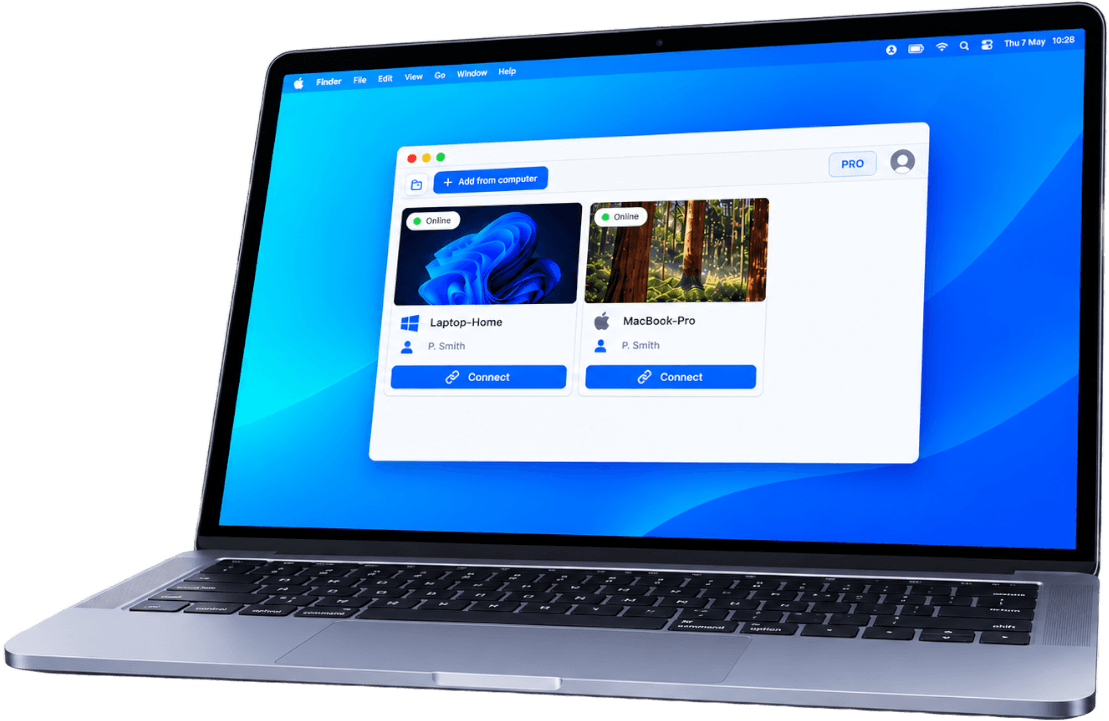
Securely access and control Windows and macOS devices with our reliable remote desktop solution.






Solutions
RemSupp combines remote desktop software, IT support tools, remote access solutions, and remote work capabilities into one unified platform.

Control computers in real time with secure, high-performance remote desktop software.
Manage systems, perform troubleshooting, and interact with devices as if you were physically present using low-latency connections.
You can use it on almost any operating system including Windows, macOS and Linux.
Explore remote desktop software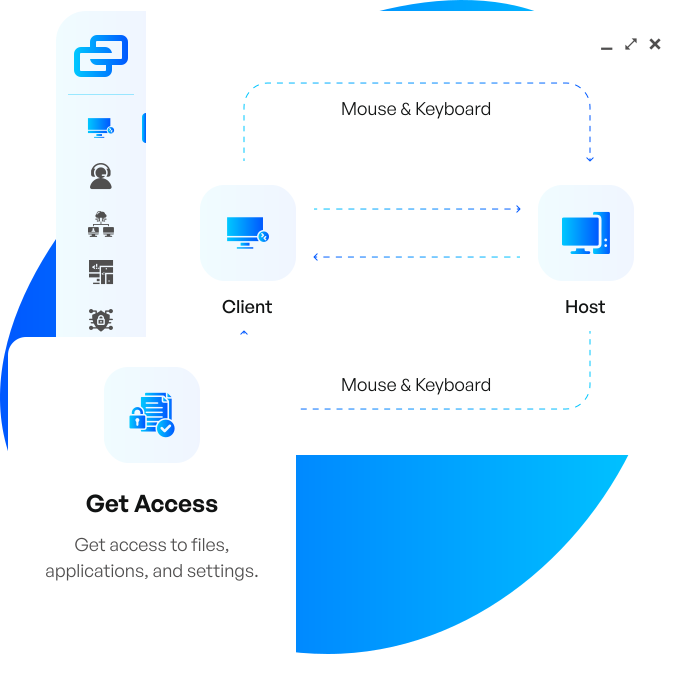

Deliver fast IT assistance with remote support tools designed for helpdesks and support teams.
Resolve issues instantly, guide users, and maintain productivity through secure, P2P-based sessions.
You can easily guide your non-technical customers through complex processes or conduct an interactive sales session.
Explore remote support software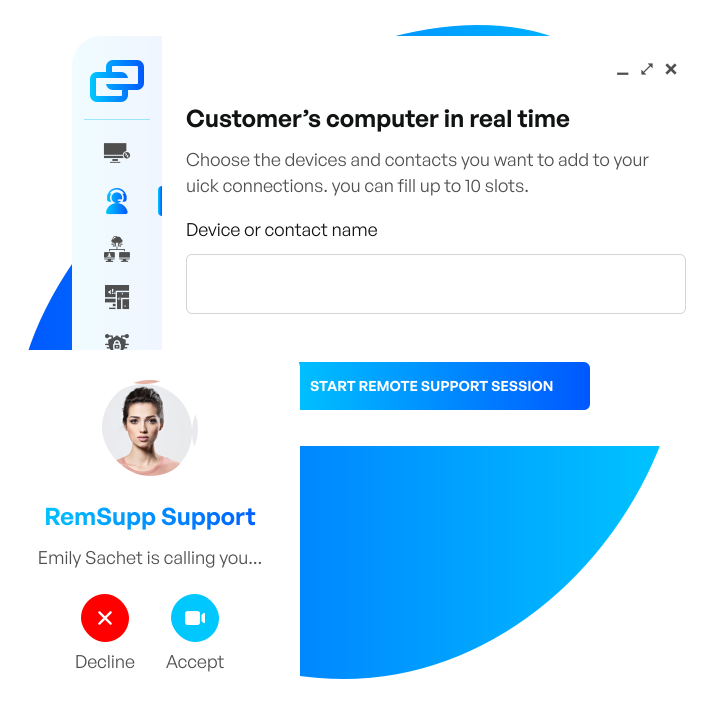

Connect to unattended devices anytime with secure remote access software.
Monitor systems, manage servers, and maintain infrastructure using reliable, always-on connectivity.
No matter if you are currently in Home or far beyond. With RemSupp, you can be anywhere you need to be.
Explore remote access software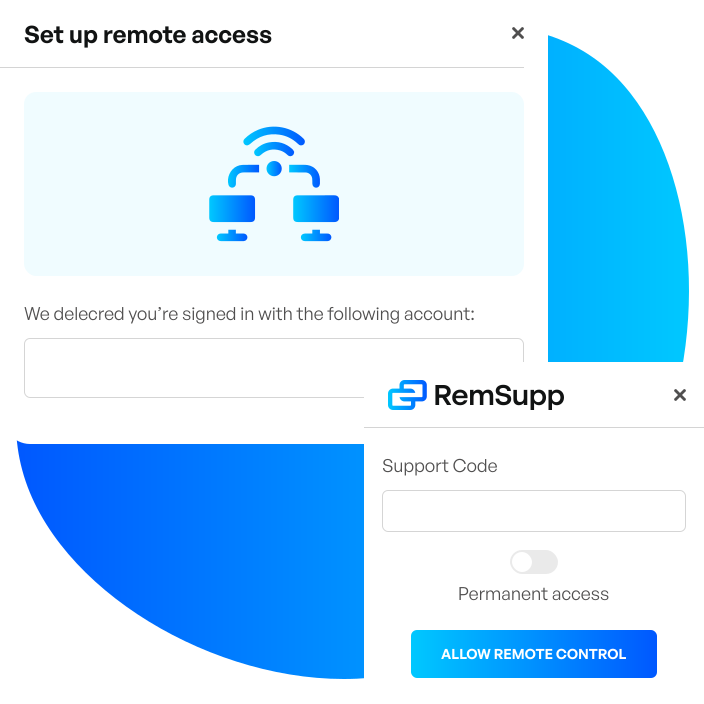
Features
With low-latency performance and P2P-first connections, it enables fast, reliable control, seamless file sharing, and efficient system management from any location.
Establish stable, high-performance remote desktop connections with minimal latency, ensuring smooth interaction even on lower bandwidth networks.

Securely access and control remote computers in real time, allowing full interaction with files, applications, and system settings from any location.

Monitor systems, manage devices, and maintain infrastructure remotely with centralized visibility and control across all connected machines.

Provide instant IT support using secure session codes or links, enabling technicians to troubleshoot and resolve issues quickly and efficiently.

Transfer files and folders securely between devices using fast, direct connections without compromising data integrity or performance.

Automatically sync clipboard content across devices, allowing seamless copy-paste of text, links, and images between local and remote systems.

Organize and manage devices with a structured address book, including grouping, sorting, and quick access to frequently used connections.

Capture remote sessions with recording and screenshot tools for auditing, training, and documentation purposes.

Communicate with users directly during sessions using built-in chat, improving collaboration and support efficiency.
Why RemSupp
Designed for speed and reliability, it ensures smooth connections and real-time responsiveness across all devices.

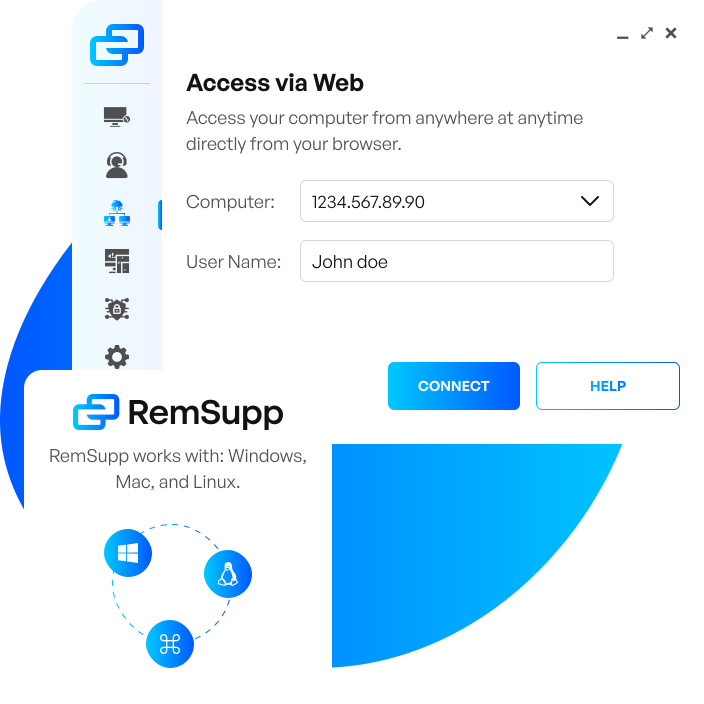
RemSupp comes with a remote desktop software that makes it possible to access your computer from anywhere at anytime directly from your browser.

Cross-platform compatibility between machines on a variety of operating systems. RemSupp works with: Windows, Mac, and Linux.

All remote sessions are protected with banking-standard TLS 1.2 technology and secured by end-to-end encryption. RemSupp protects your computer from unauthorized access.
How to use RemSupp
Step-by-step instructions to set up remote access on Windows and macOS effortlessly.
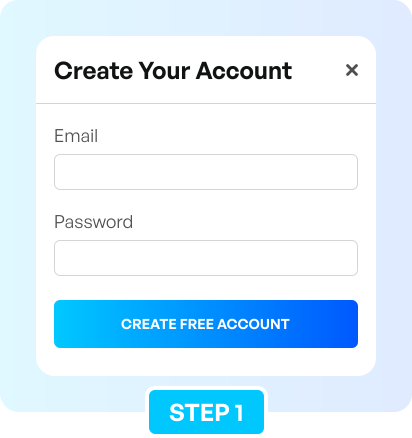
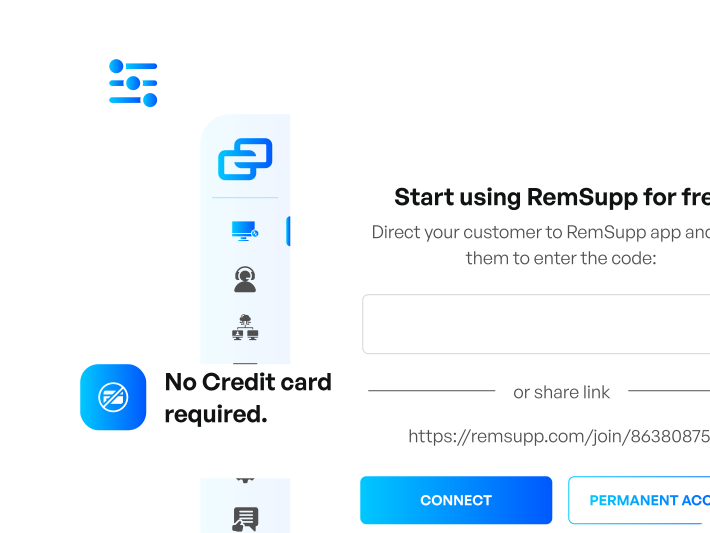
Create free RemSupp account and get your unique support code
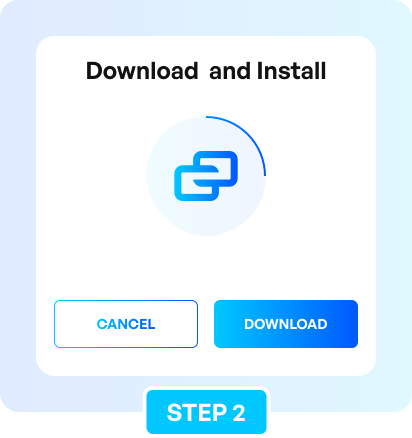
Download and install RemSupp application on target device
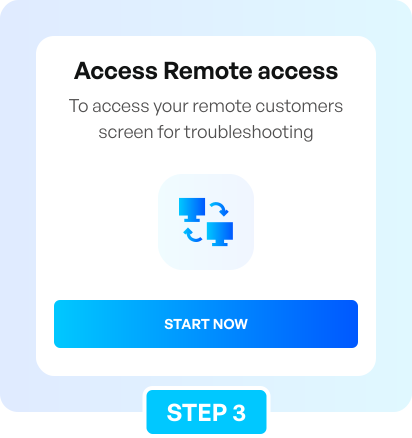
Configure remote access using your support code
Pricing plans
Compare our pricing plans and choose the best option for your needs.
For personal use or freelancers.
Ideal for small and mid-sized businesses.
Integrations
Connect RemSupp with third-party applications for a more efficient workflow.

Enhance your client communication through the seamless integration of RemSupp and LiveChat.

Improve the way you connect with clients with the RemSupp and Intercom integration.
Streamline communication with your clients using the RemSupp and Chrome Web Store integration.

With RemSupp integration you can easily create a remote support session directly in Zendesk. Simply insert the created link into the ticket and send it to your customer.

RemSupp integrations enhance Freshworks customer engagement by enabling agents to provide remote support across any platform, OS, or device.
Testimonials
Hear from satisfied users who trust RemSupp for their remote desktop needs.
"This remote access solution has revolutionized our IT support. We can seamlessly control any device in our network, troubleshoot issues in real-time, and ensure minimal downtime. The user-friendly interface make it a standout choice for our team."
"We've tried several remote control solutions, but this one is by far the best. One-time remote sessions are a great fit for our needs."
"This remote access tool has significantly boosted our productivity. I can now manage my business remotely, access important files, and assist my employees with their tech."
"Working remotely is a breeze with this remote access software. I can easily connect to my development environment from any location and any device."
"As a freelance designer, being able to access my home and office computers from anywhere is crucial. This remote control software is a game-changer. It's incredibly reliable, and I love how it works flawlessly on both my Mac and PC. It’s like having my entire workspace with me wherever I go."
Set up your first remote access in 2 minutes.
FAQ
Remote desktop software allows you to connect to and control another computer over the internet. It transmits screen data and input commands in real time, enabling full interaction as if you were physically present at the device.
Remote desktop focuses on real-time control of a system, remote support is used for assisting users and troubleshooting issues, and remote access enables connection to unattended devices anytime.
Yes, RemSupp uses encryption, authentication, and a P2P-first connection architecture to ensure secure and reliable remote sessions while minimizing latency.
IT teams, businesses, remote workers, and service providers use remote desktop tools to manage systems, provide support, and enable flexible work environments.